PPC AKASH

Service

GA4 Setup and Reporting Service

Free audit firstClean, documented setupEvery event testedOngoing support

I set up Google Analytics 4 with meaningful events, key events and reports, so you can see where your traffic comes from and what actually drives results.

Your Website events
GA4 PropertyClean, tested data
ReportsExplorationsLooker StudioBigQueryGoogle Ads
Tracked

Overview

What Is a Proper GA4 Setup?

Installing the GA4 tag takes minutes. Getting useful data out of GA4 takes planning. A proper setup means the right events, clean parameters, key events that match your business goals and reports that answer real questions.

I configure your property from data retention and filters to custom dimensions, e-commerce and cross-domain tracking, then build dashboards your team can actually use.
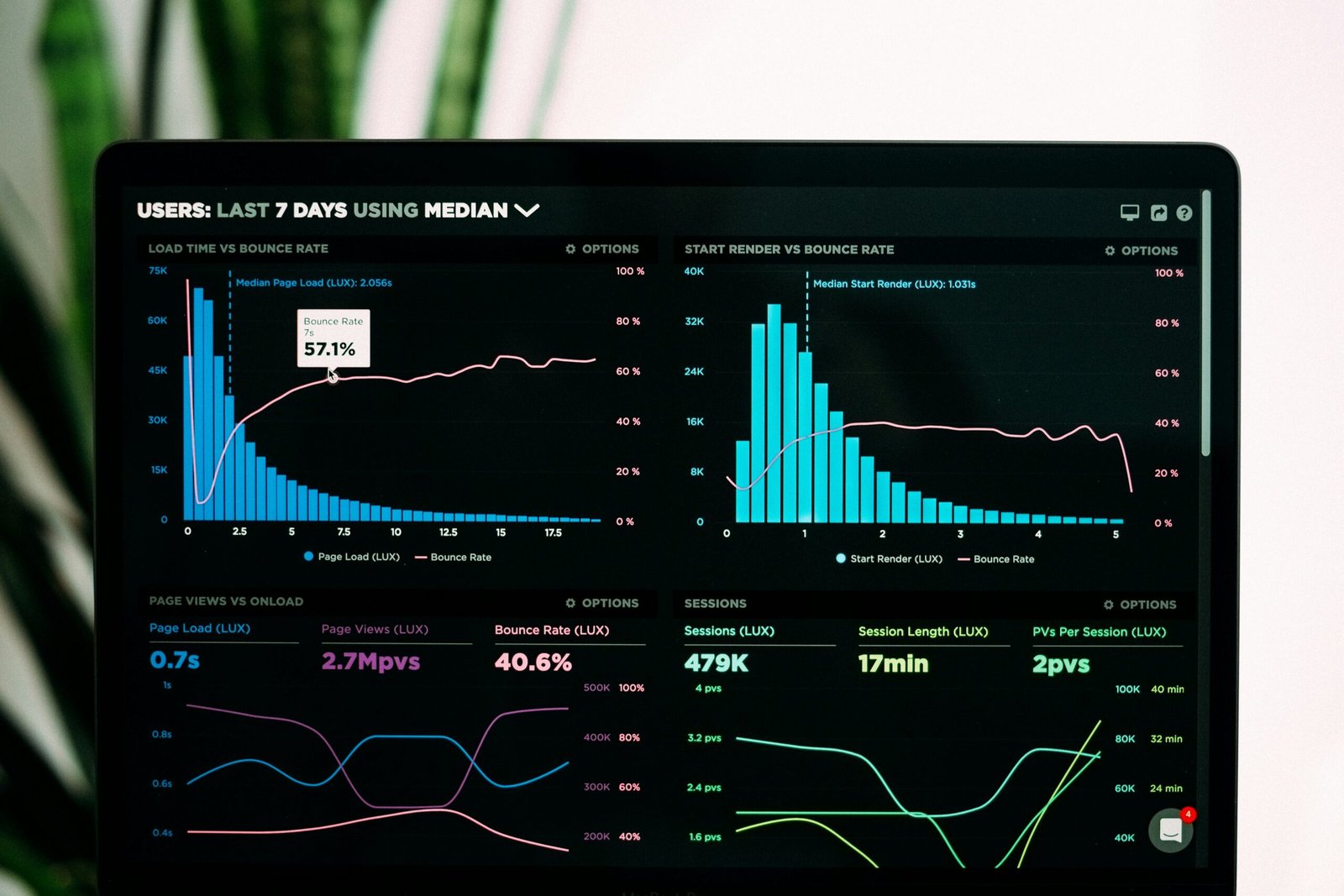

Analytics dashboard and data visualization

Options

GA4 Services I Offer

From a fresh property to advanced reporting, each part of the setup is built around your goals.

Property Setup

Data streams, retention, internal traffic filters, referral exclusions and Google Ads linking.

Events and Key Events

A clear event plan with key events that reflect real business results.

E-commerce Tracking

Full e-commerce events with items, values and transaction IDs.

Cross-Domain Tracking

Keep sessions intact across domains, subdomains and checkout pages.

Looker Studio Dashboards

Clear dashboards that combine GA4, Google Ads and other data sources.

BigQuery Export

Raw event data in BigQuery for deeper analysis and long-term storage.

Dark professional analytics workspace with laptop

Why It Matters

Why a Proper GA4 Setup Is Essential

A default GA4 install collects data, but it rarely answers business questions. Without planned events and key events, you cannot tell which channels bring leads, where buyers drop off or what your campaigns really return.

A proper setup turns GA4 into a decision tool. You see the full journey from first visit to conversion and can compare channels on the results that matter.

What We Track

What Can We Track in GA4?

I track the actions that matter and organize them so reports stay readable.

Engagement

Page views, engaged sessions and time on key pages.

Leads

Form submissions and other lead actions as key events.

Purchases and Revenue

E-commerce transactions with revenue, tax and shipping.

Funnel Steps

Each step of your checkout or signup funnel.

Traffic Sources

Clean source and medium data with consistent UTM tagging.

User Journeys

Paths users take before they convert.

Custom Dimensions

Plan type, logged-in status, content category and more.

Site Search

What visitors search for on your website.

Results

How GA4 Helps You Make Better Decisions

With a proper GA4 setup you can see which campaigns bring buyers, not just visitors. You can find weak pages in your funnel and fix them before spending more on ads.

Connected to Google Ads and Looker Studio, GA4 becomes a single source of insight for your team, with dashboards that update automatically.

Akash working on a tracking setup

My Process

How I Work

A simple and transparent process to build a reliable tracking system.

01

Audit

Understand your current setup and issues.

02

Plan

Define what should be tracked and how.

03

Implement

Set up tracking with a proper structure.

04

Test

Verify every event and conversion.

05

Handover

Clear documentation and ongoing support.

Audit

Get a Free GA4 Setup and Reporting Audit Today

Is your current tracking setup costing you money? Send your details and I will review your setup, find the gaps and send clear recommendations.

FREE audit available.
Don't miss out!

Claim your audit (it's free)


    FAQ

    Frequently Asked Questions

    1. Why do GA4 and Google Ads numbers not match?

    They use different attribution models, counting methods and dates. Some difference is normal. I help you understand the gap and fix it when it is too large.

    2. What are key events in GA4?

    Key events are the events you mark as most important, such as leads or purchases. They replaced conversions in GA4 reporting.

    3. Can you track e-commerce in GA4?

    Yes. I set up the full set of e-commerce events with items, values and transaction IDs for Shopify, WooCommerce and custom stores.

    4. Do I need BigQuery?

    Not always. BigQuery is useful for large sites, raw data analysis and keeping data beyond GA4 retention limits.

    5. Can you build a dashboard?

    Yes. I build Looker Studio dashboards that combine GA4, Google Ads and other sources into one clear view.

    6. How long is GA4 data kept?

    Explorations use data within your retention setting, which can be up to 14 months on standard properties. Standard reports are not affected.

    Let's Work Together

    Something Isn't Tracking? Let's Find Out Why.

    Tell me what you are tracking right now and what is not working. I will take a look and suggest the best way forward.

    Analytics dashboard and data visualization
    Scroll to Top