PPC AKASH

Service

Google Tag Manager Setup Service

Free audit firstClean, documented setupEvery event testedOngoing support

I build clean, well-organized Google Tag Manager containers with a proper dataLayer, so every tag fires correctly and your tracking survives website changes.

Your Website events
GTM ContainerClean, tested data
GA4Google AdsMeta PixelTikTokLinkedIn
Tracked

Overview

What Is Google Tag Manager?

Google Tag Manager lets you manage all your tracking tags in one place without editing website code every time. GA4, Google Ads, Meta, TikTok, LinkedIn and more can all be controlled from a single container.

The problem is that many containers grow messy over time. Duplicate tags, click triggers that break when the design changes and unclear naming make tracking unreliable. I build containers that are structured, documented and easy to maintain.
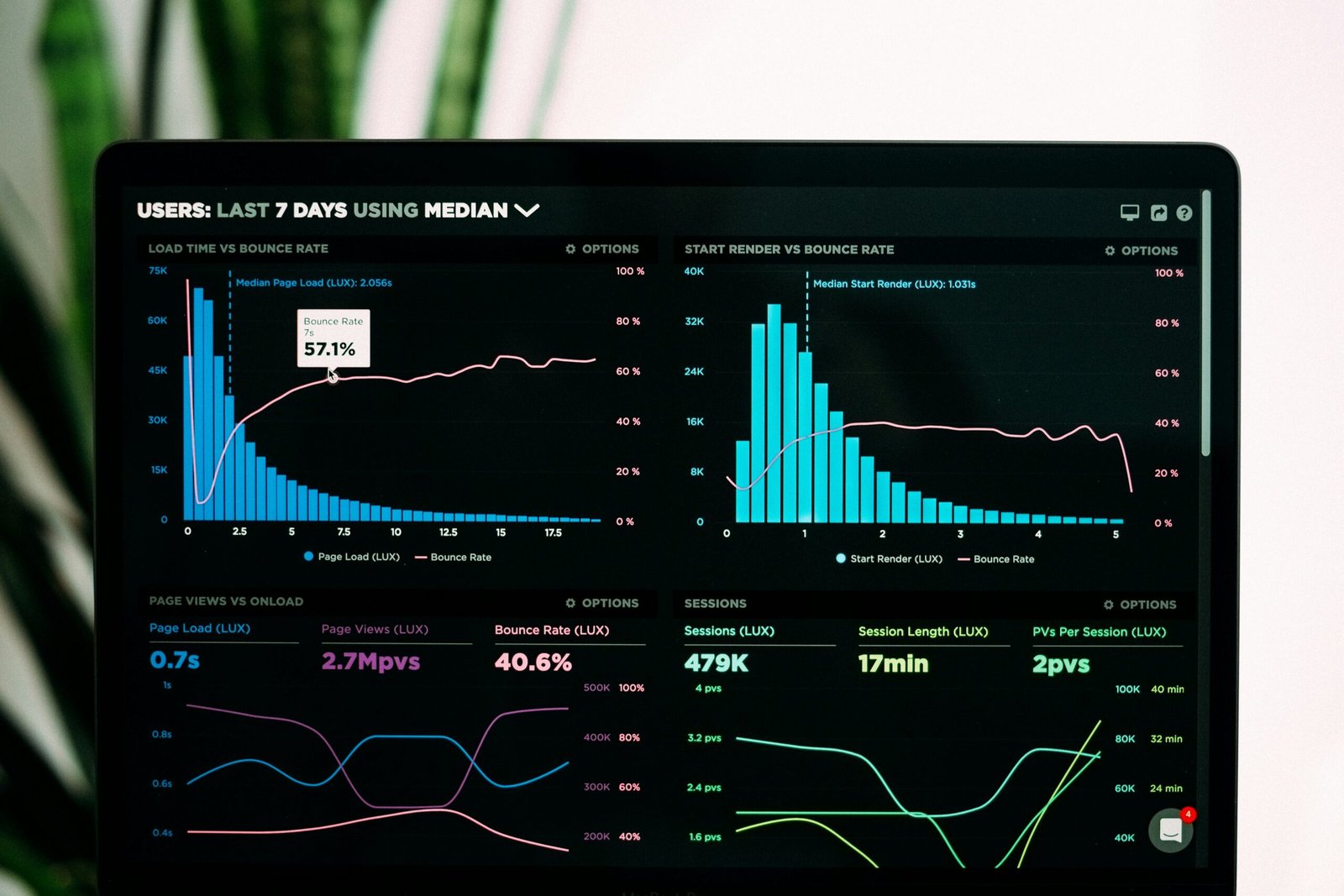

Analytics dashboard and data visualization

Options

Which GTM Service Do You Need?

Whether you are starting fresh or fixing an existing container, I adapt the work to where you are now.

New Container Setup

A complete container built from a tracking plan, with clear naming, folders and version notes.

Audit and Cleanup

I review every tag, trigger and variable, remove duplicates and fix what is broken.

dataLayer Implementation

Reliable dataLayer events for forms, clicks and e-commerce that do not depend on page design.

Custom Event Tracking

Custom listeners for forms, pop-ups, chat tools and third-party widgets.

Consent Mode v2

Default and updated consent states set correctly for Google and non-Google tags.

Server-Side GTM

A server container on your own subdomain for more complete and privacy-friendly data.

Dark professional analytics workspace with laptop

Why It Matters

Why a Clean GTM Setup Is Essential

Every marketing platform you use depends on your tag manager. If the container is messy, every report built on top of it is questionable. One broken trigger can stop conversions from reaching Google Ads or Meta for weeks before anyone notices.

A clean container with a real dataLayer means tags fire on actual events, share the same data across platforms and keep working when your website is redesigned.

What We Track

What Can We Track with Google Tag Manager?

I set up events once in the dataLayer and reuse them across every platform you advertise on.

Form Submissions

Successful submissions from CF7, Elementor, HubSpot, GoHighLevel and other forms.

Button Clicks

Important CTA clicks, tracked by stable selectors or data attributes.

Phone and Email Clicks

Taps on tel: and mailto: links as micro conversions.

Scroll Depth

How far visitors read your key pages.

Video Views

YouTube and embedded video starts, progress and completions.

File Downloads

PDF, brochure and price list downloads.

E-commerce Events

View item, add to cart, checkout and purchase.

Custom Events

Any custom interaction pushed to the dataLayer by your developers.

Results

How a Proper GTM Setup Improves Your Marketing

When every platform receives the same events at the same moment, your numbers finally line up. GA4, Google Ads and Meta report on the same leads and sales, which makes comparisons meaningful.

You also move faster. New campaigns, landing pages and platforms can be tracked in hours instead of waiting for developer time, because the foundation is already in place.

Akash working on a tracking setup

My Process

How I Work

A simple and transparent process to build a reliable tracking system.

01

Audit

Understand your current setup and issues.

02

Plan

Define what should be tracked and how.

03

Implement

Set up tracking with a proper structure.

04

Test

Verify every event and conversion.

05

Handover

Clear documentation and ongoing support.

Audit

Get a Free Google Tag Manager Setup Audit Today

Is your current tracking setup costing you money? Send your details and I will review your setup, find the gaps and send clear recommendations.

FREE audit available.
Don't miss out!

Claim your audit (it's free)


    FAQ

    Frequently Asked Questions

    1. Do I need Google Tag Manager?

    If you use more than one marketing platform, GTM makes tracking much easier to manage and change without touching website code every time.

    2. Can you fix my existing container?

    Yes. I audit your current container, keep what works, remove duplicates and rebuild broken parts without losing your history.

    3. What is a dataLayer?

    The dataLayer is a JavaScript object your website uses to pass information, like form submissions or order details, to GTM in a reliable way.

    4. Will GTM slow down my website?

    GTM itself is lightweight. Speed issues usually come from too many third-party tags. A clean container and server-side tagging can reduce that load.

    5. Do you provide documentation?

    Yes. You get a tracking plan and notes explaining every tag, trigger and variable in the container.

    6. Can you set up Consent Mode?

    Yes. I configure Consent Mode v2 with your consent banner so tags respect visitor choices.

    Let's Work Together

    Something Isn't Tracking? Let's Find Out Why.

    Tell me what you are tracking right now and what is not working. I will take a look and suggest the best way forward.

    Analytics dashboard and data visualization
    Scroll to Top